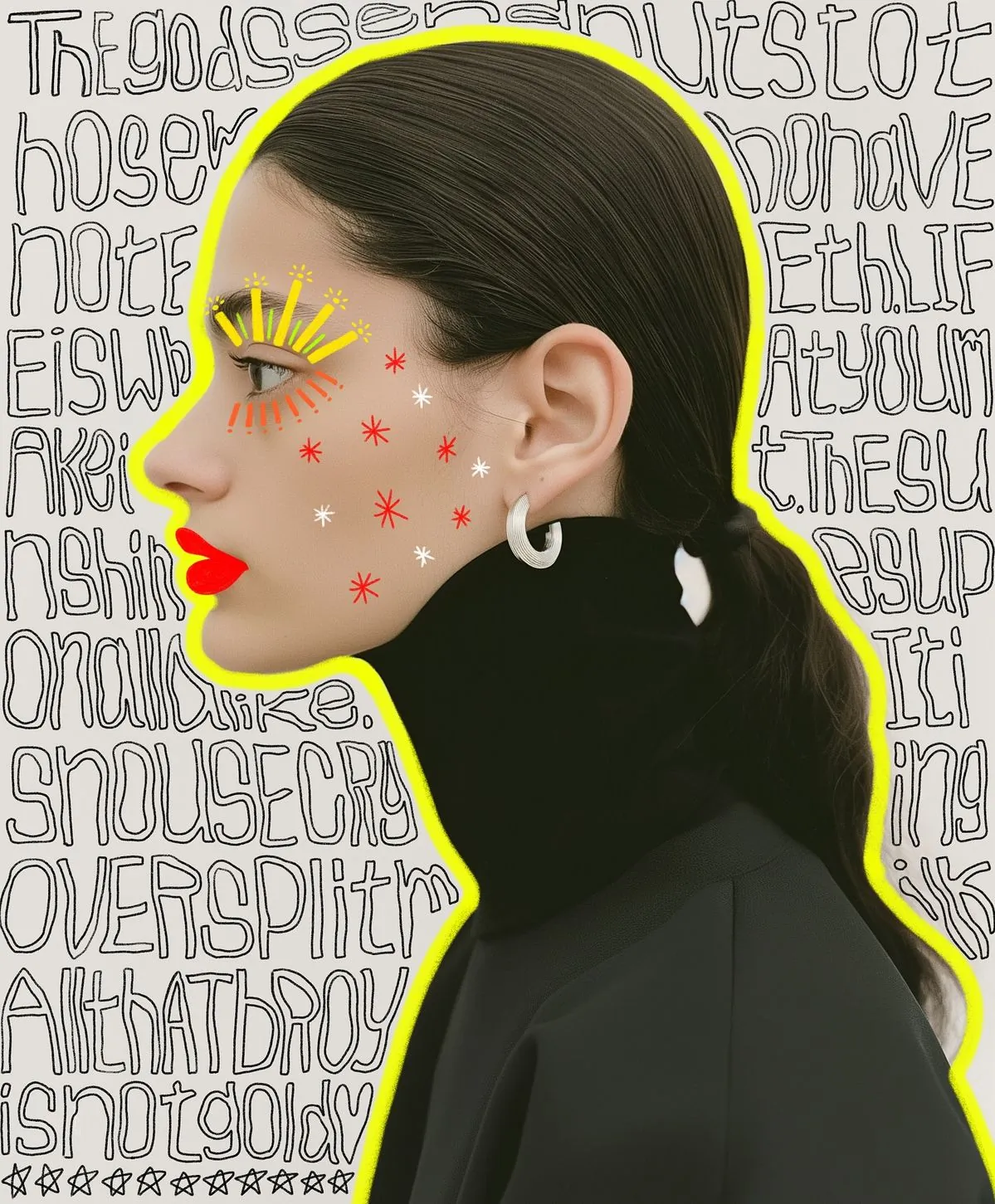
AI Image & Video Upscaling for Mac
Local. Fast. Reliable.
Enhance images and videos directly on your Mac -
with clean results, stable processing, and no cloud involved.
Just powerful AI upscaling on your own machine.
Why I Built KunoX
I originally built KunoX for myself.
On macOS, I couldn't find a tool that actually worked well for real use: fast enough, stable for long runs, clean UI, no ads, and capable of handling batch workflows.
Most solutions had one or more problems: they weren't stable, required sign-ups or cloud workflows, were slow, delivered inconsistent results, or simply couldn't handle real workloads.
So I built KunoX around a simple idea:
Local processing. Stable performance. Clean experience. Built for real work.
Real Upscaling Results
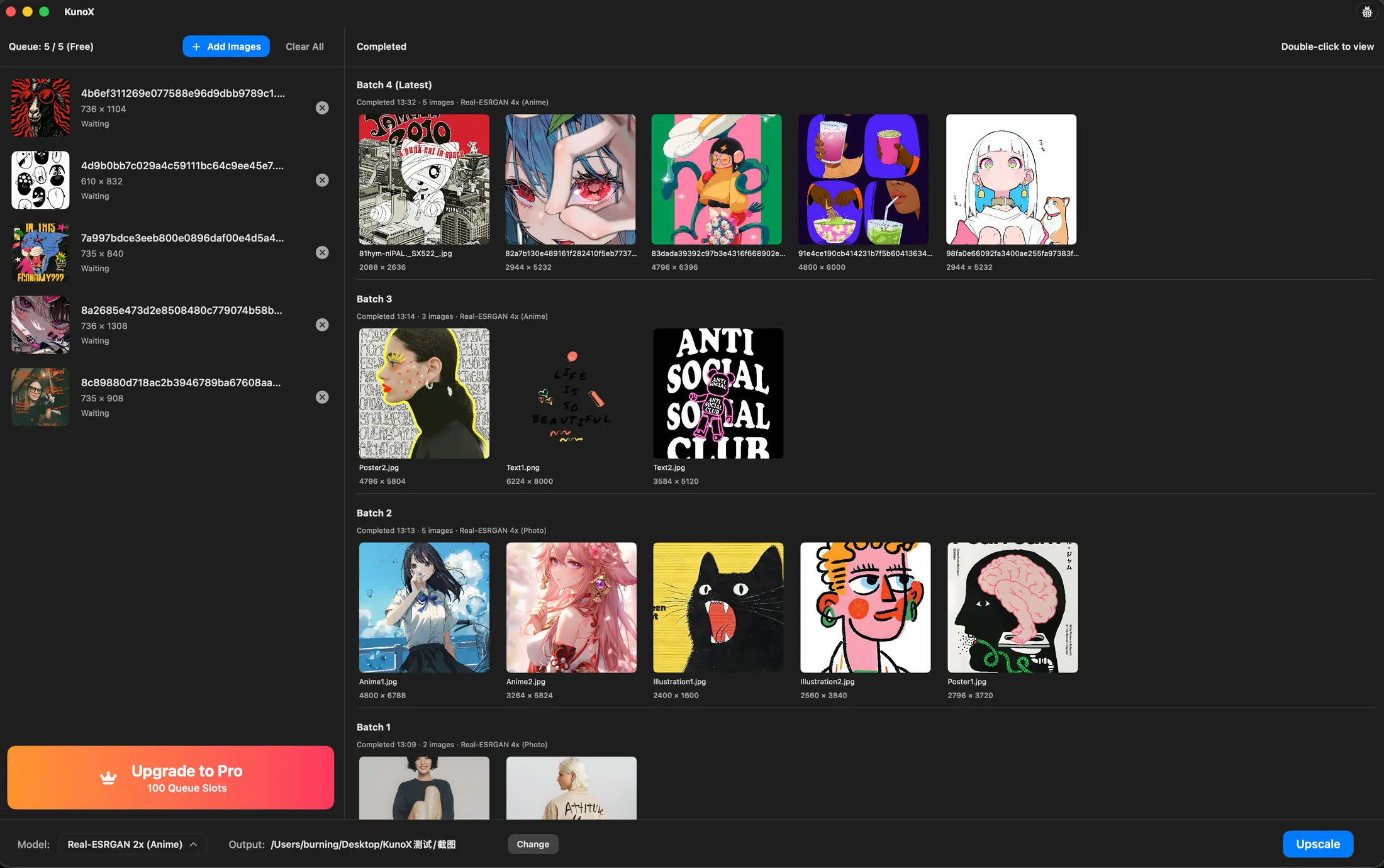
KunoX supports both 2x and 4x scaling across different content types.
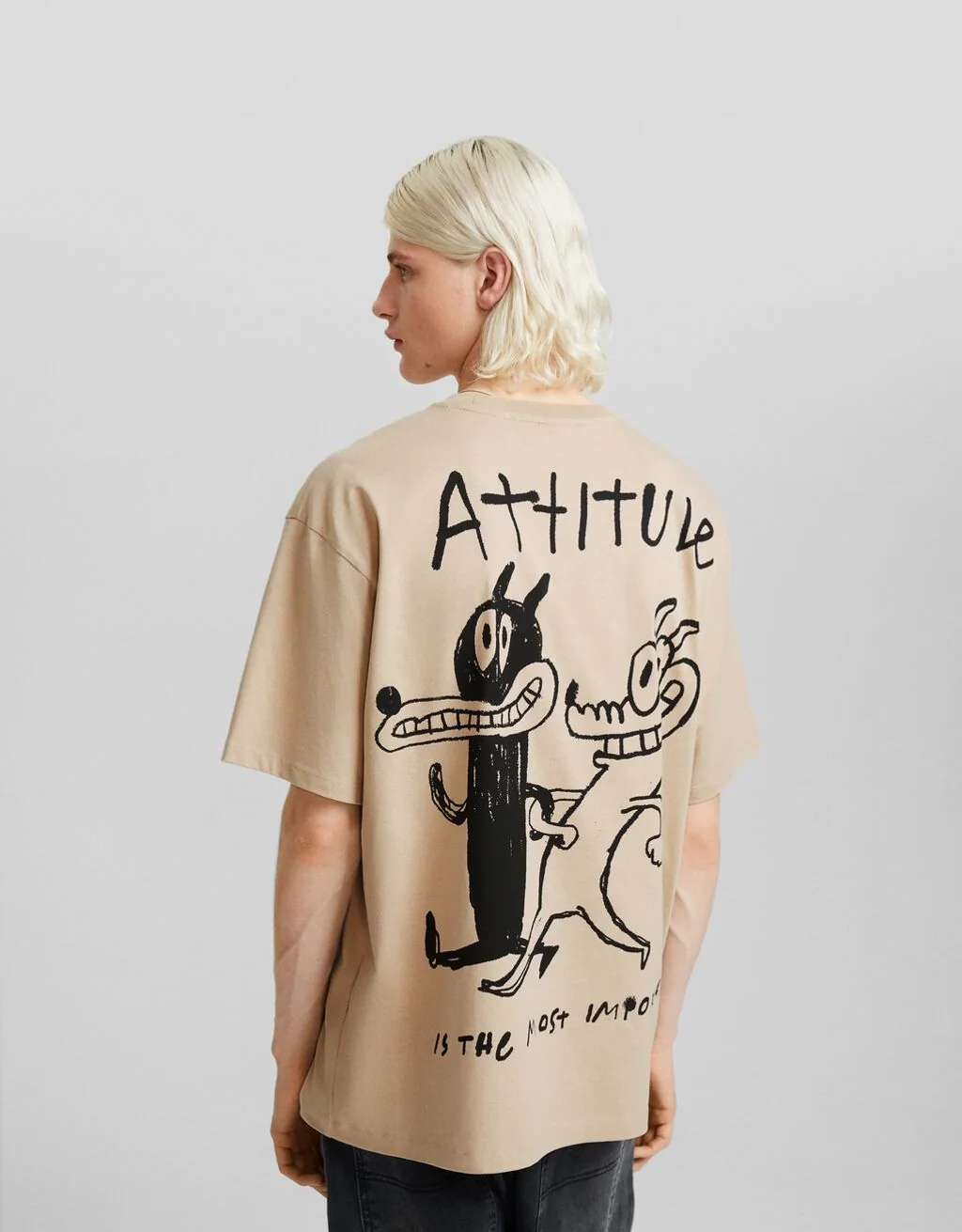
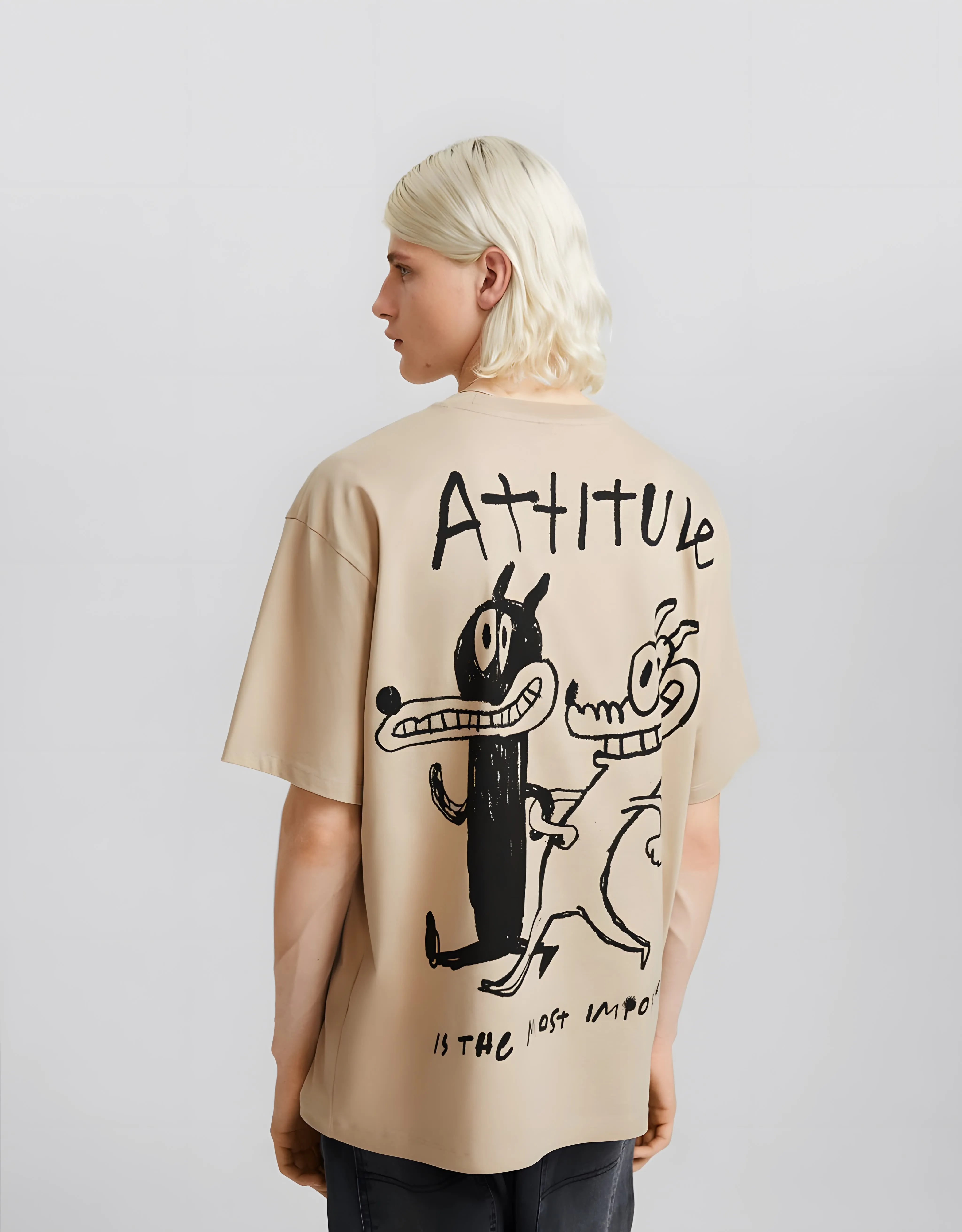
Photo models preserve natural textures and edges.
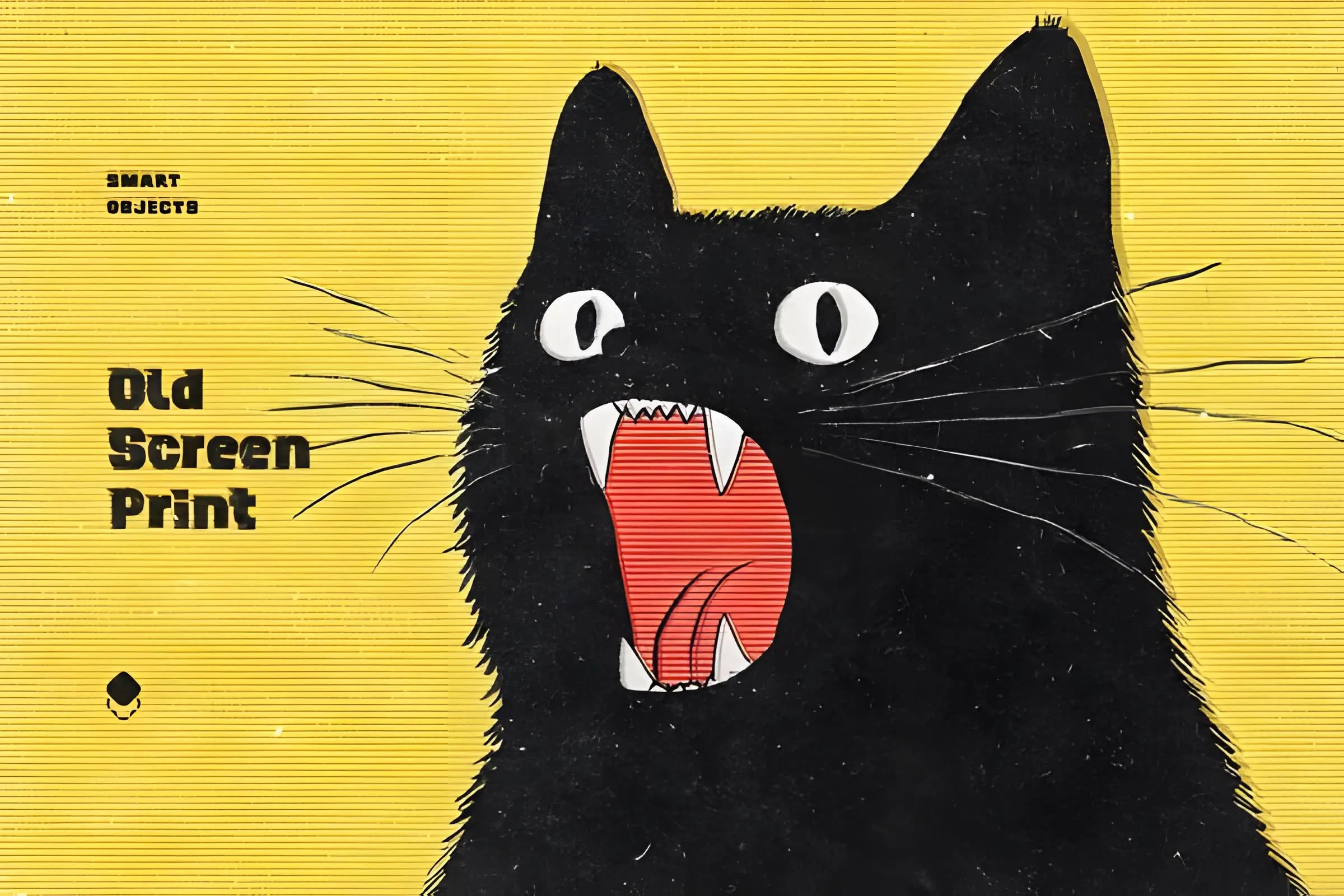
Illustration models are optimized for anime and line art.

Anime4X

Illustration4X
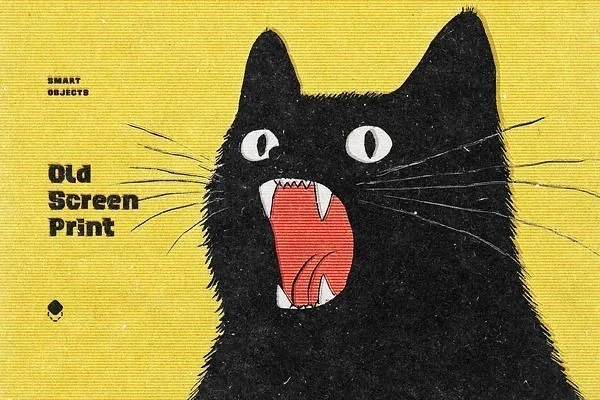
Text / Line4X

Poster4X

Video Upscaling (Anime Focus)
Enhance anime videos with sharper lines and cleaner edges.
Best suited for:
• Enhance Anime & Animation
• Restore Low-Resolution Anime
• Improve Line Clarity and Details
Support for real-world video is currently under development and will be improved in future updates.
All processing runs locally on your Mac, with consistent and predictable results.
Technical Details (Current Version)
- Input formats: MP4, MOV, M4V
- Video codecs: H.264 / H.265
- Output: MP4 (H.264 + AAC)
- Recommended resolution: up to 1080p
- Maximum video length: up to 10 minutes
- Frame rate: up to 30fps (higher fps will be normalized)
Enhance Anime Demo 1Real-ESRGAN
Enhance Anime Demo 2Real-ESRGAN
Models Behind the Results
KunoX uses models based on the ESRGAN family, one of the most widely adopted approaches for super-resolution.
These models are designed to reconstruct missing details from low-resolution inputs while keeping the result clean and natural.
In KunoX, different models are used for different types of content:
Image models
- Photo models for natural images
- Illustration models for anime, line art, and graphic-style artwork
Video models
- Anime-focused video models, optimized for animation, cleaner lines, and sharper edges
- Real-world video enhancement is still being improved and will be expanded in future updates
The goal is consistent detail recovery rather than artificial sharpening.
Model reference: ESRGAN (Enhanced Super-Resolution GAN)
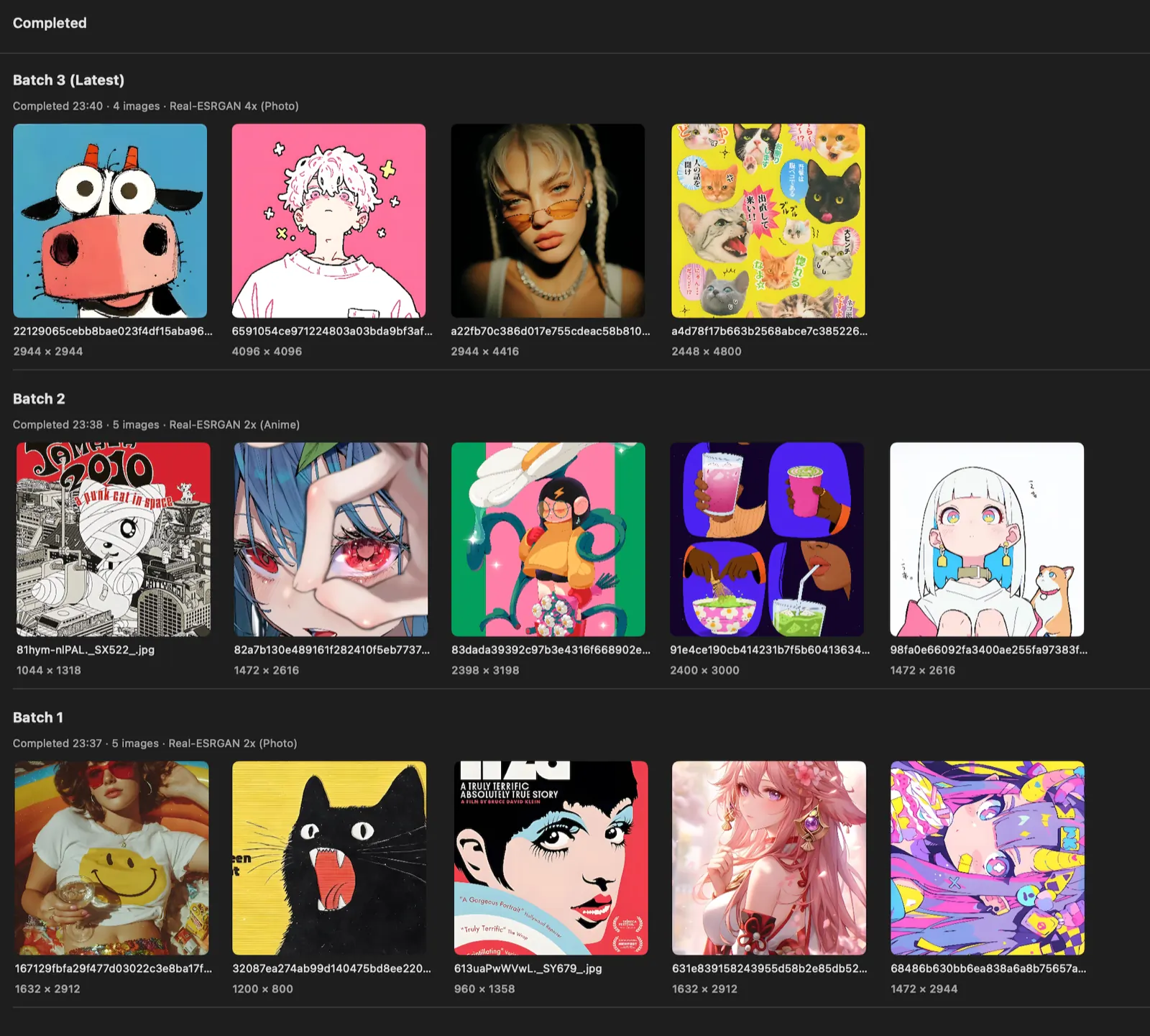
Built for Batch Processing
KunoX is designed around batch workflows rather than single-image demos.
Images are processed through an internal task queue, allowing large folders to be handled predictably without freezing the interface.
Each batch records its parameters and output results, making it easier to organize and repeat production runs.
The system supports:
- folder-based imports
- batch parameter control
- separate output directories
- queued processing across multiple images
This structure allows KunoX to process large image sets in a controlled and repeatable way.
Performance and Practical Limits
AI upscaling can be computationally intensive, especially when processing large batches.
KunoX includes several optimizations specifically tuned for macOS to keep processing stable during long runs.
The current pipeline supports images up to 2000px, a practical balance between quality, performance, and reliability for most real workflows.
Processing speed depends on your Mac's hardware and available memory.
Video processing is significantly more demanding than images and may take longer.
If you experience slowdowns during large jobs, you can reduce the scaling factor or close other applications to free system resources.
Recommended Configuration
For the best experience when processing large batches:
- Apple Silicon Mac (M1 or newer)
- 16 GB memory recommended
- Enough free disk space for temporary processing
KunoX can still run on lower configurations, but batch jobs may take longer. Keeping sufficient memory available will help maintain stable performance.
Frequently Asked Questions
Images: PNG, JPG / JPEG
Videos: MP4, MOV, M4V
Yes for images (full batch workflow).
Video processing is currently designed for lightweight workflows (single or small queue).
Free plan includes limited daily usage:
- Images: 10 per day
- Videos: 1 per day
- Video length limit: up to 30 seconds
- Unlimited daily image upscaling
- Extended video processing
- Full workflow capability
One-time purchase. No subscription.
KunoX currently performs best on anime and animation content (cleaner lines, sharper edges).
Real-world video enhancement is still being improved in future updates.
Current version is optimized for:
- Resolution up to 1920x1080
- Length up to 10 minutes
- Frame rate up to 30fps
Processing time depends on your Mac hardware and video complexity.
Yes. All processing is done on your Mac.
No file uploads. No cloud processing.
Download
Download KunoX
Available on the Mac App Store.
Built for local image and video upscaling workflows on macOS.